Mongrove
Lightweight desktop MongoDB client. Dense UI. Visual Aggregate Builder.
Built for people who write aggregation pipelines every day and want something denser than Compass and lighter (and cheaper) than Studio 3T.
Key features
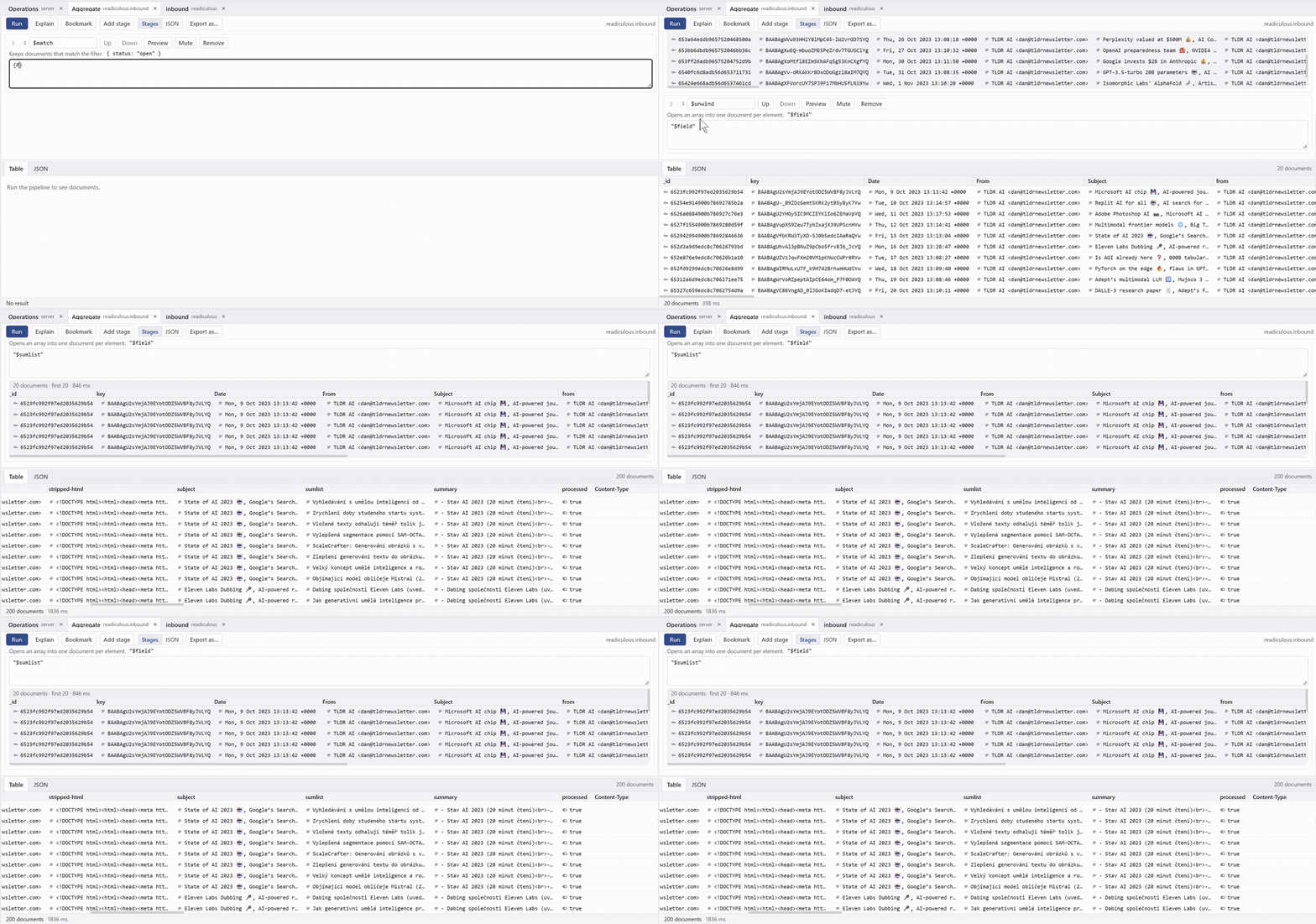
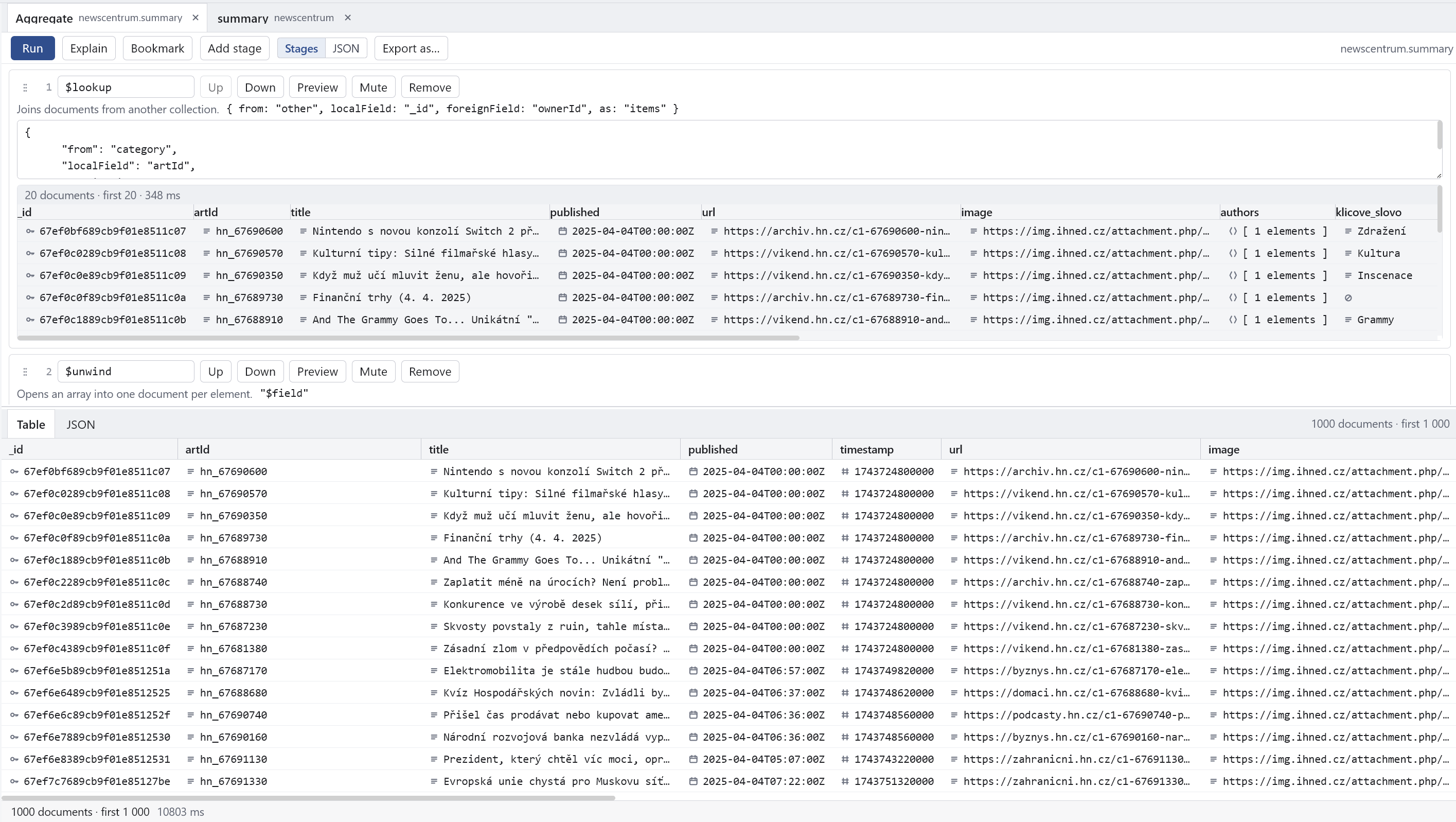
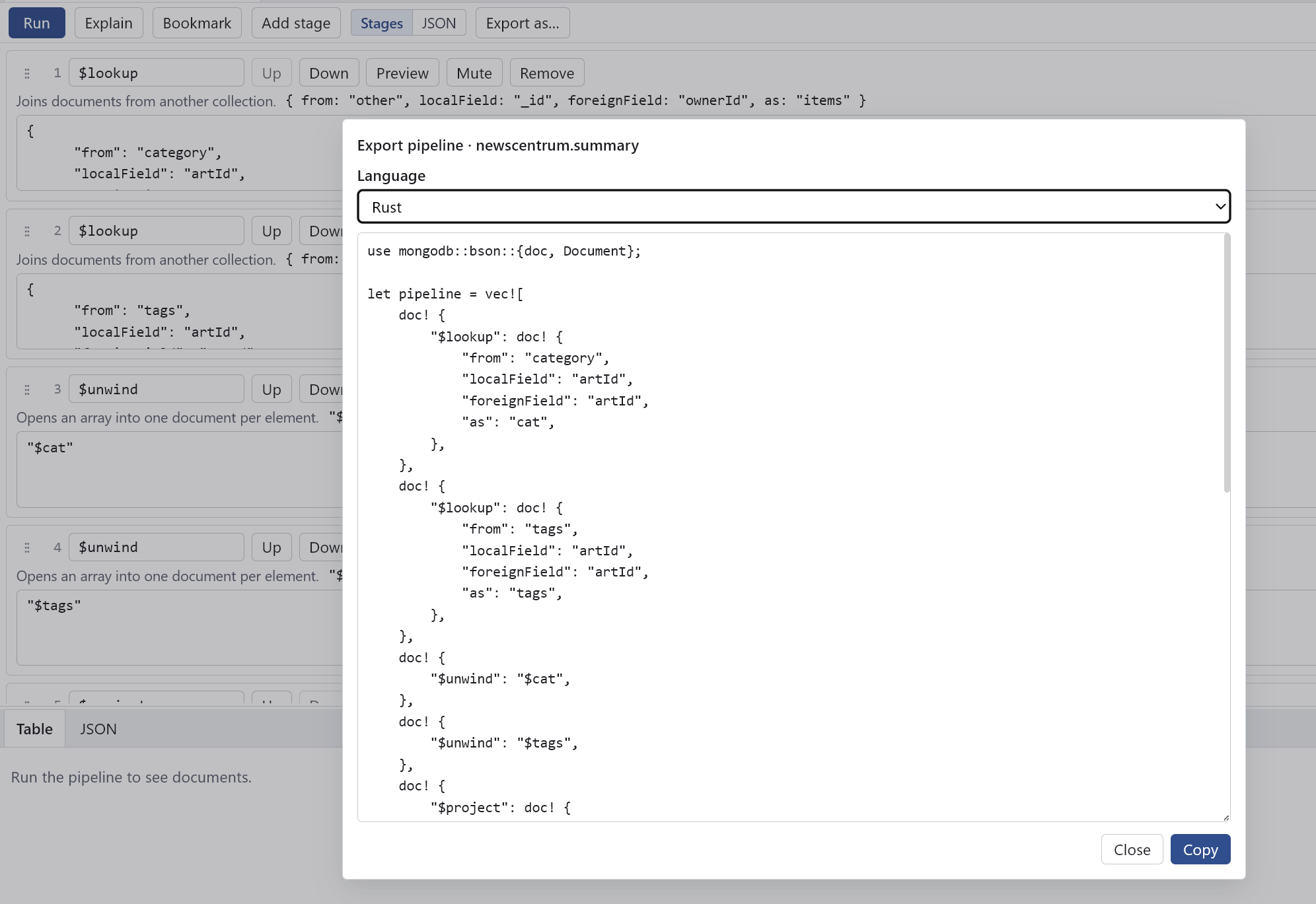
- Visual Aggregate Builder — drag & drop stages, live preview of each stage, export the pipeline to code
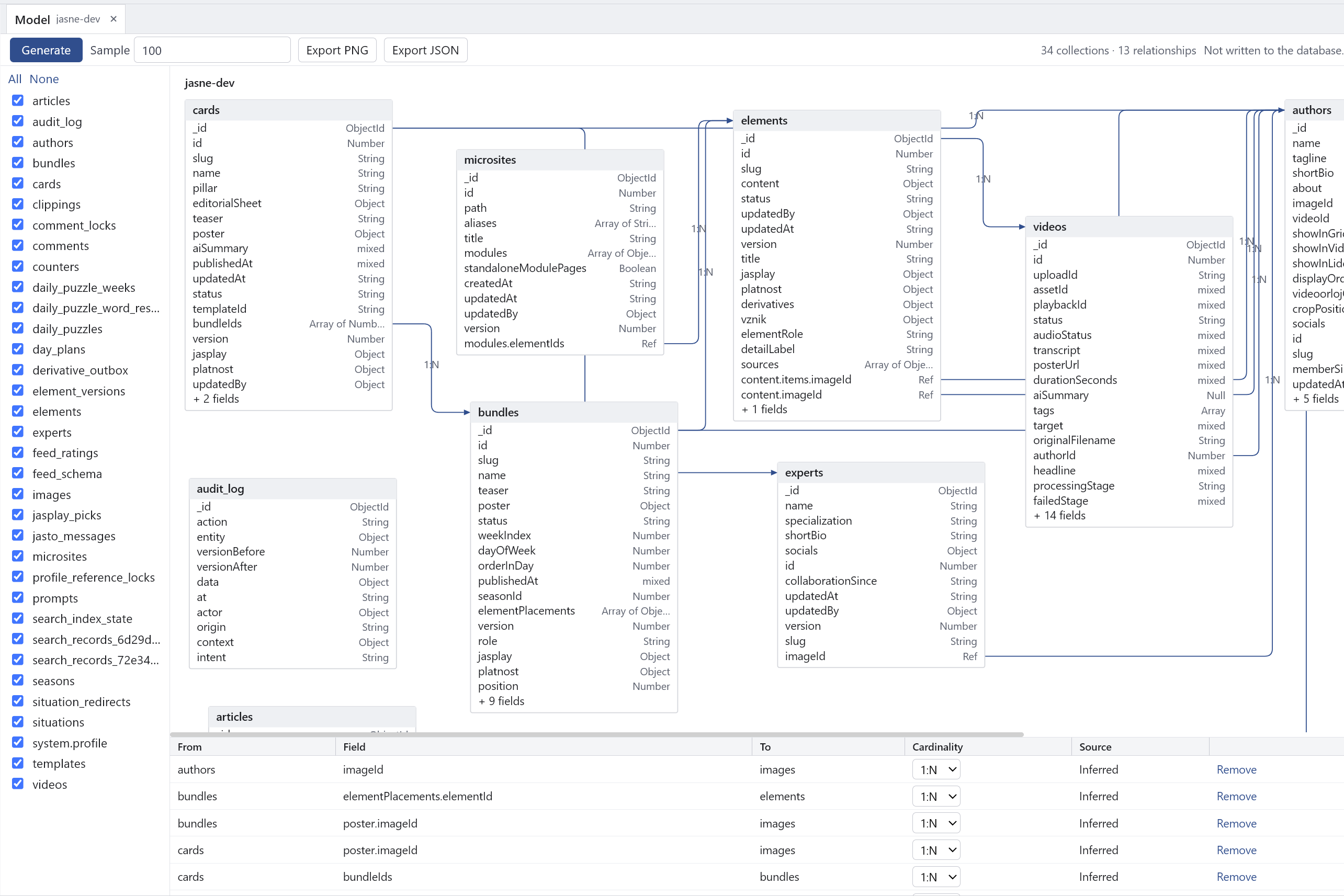
- Data Model / ERD — generate an entity-relationship diagram from collections, with inferred relationships and export to PNG/JSON
- Visual Explain — see how your queries and pipelines actually run
- Schema tab — explore document shape without leaving the app
- Readonly mode — safe for production connections
- Flexible data views — table, JSON, and tree. Edit documents directly in the table
Why Mongrove
| Mongrove | Compass | Studio 3T | |
|---|---|---|---|
| Windows download | 3.6 MB | ~180 MB | ~370–420 MB |
| macOS download | 5.4 MB | ~170 MB | large |
| Linux download | 6 MB (.deb) | ~123 MB | — |
| RAM (idle, Windows) | ~47 MB | 400+ MB | hundreds of MB |
| Startup (Windows) | ~1 s | several seconds (typically 3–5 s) | similar or slower |
Mongrove is roughly 50× smaller than Compass on Windows and uses about 8–10× less RAM. It starts quickly and stays out of the way.
Numbers measured on Mongrove v0.1.0. Compass and Studio 3T figures are typical current values.
Screenshots
Aggregate Builder
Drag & drop stages, live preview of each stage, export the pipeline to code.
Data Model / ERD
Generate a diagram of collections, fields, and relationships. Export as PNG or JSON. Changes stay visual — nothing is written to the database.
Main window
Dense layout with connection tree and collection data.
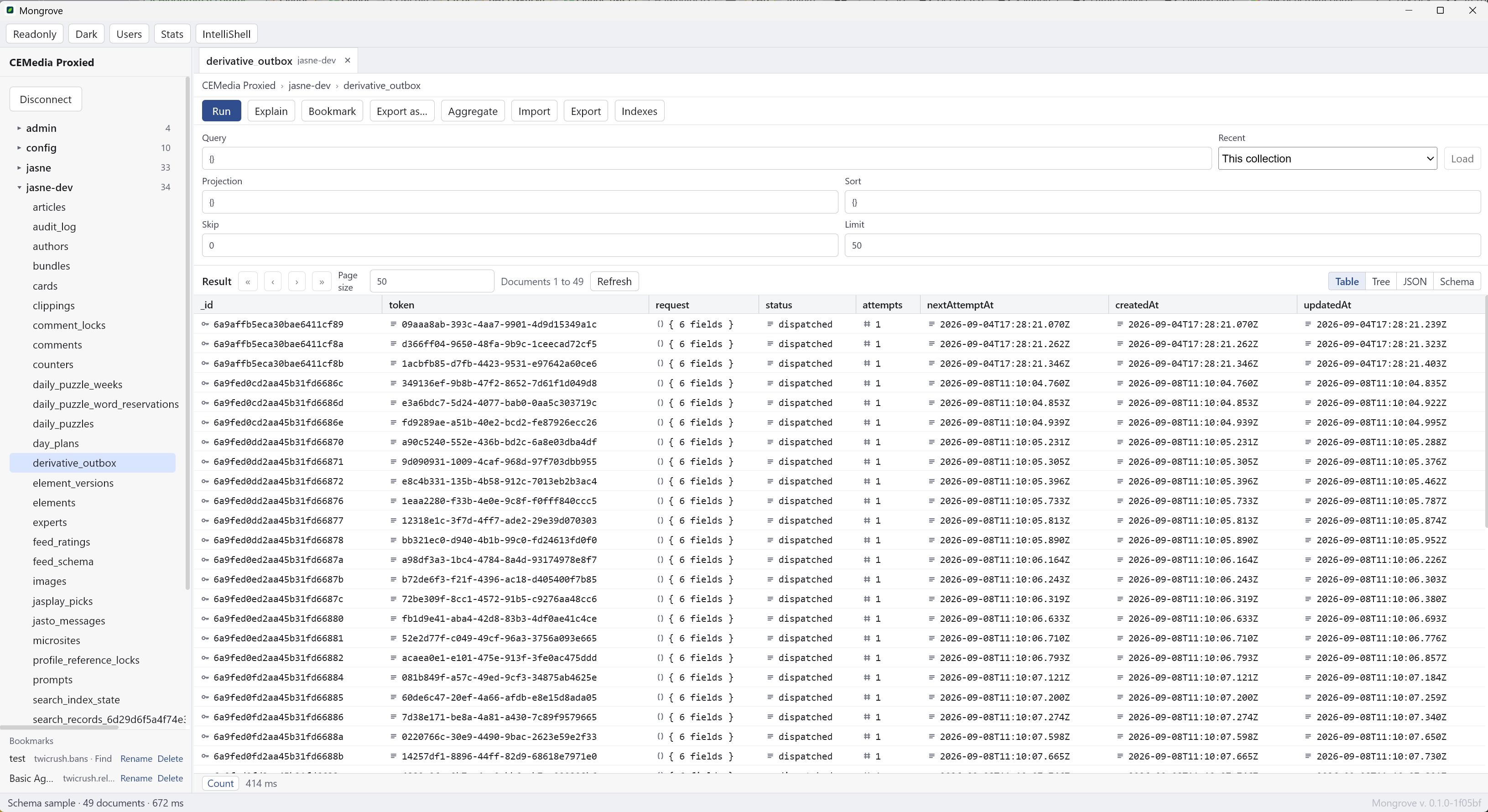
Table view
Documents as a table, with inline editing.
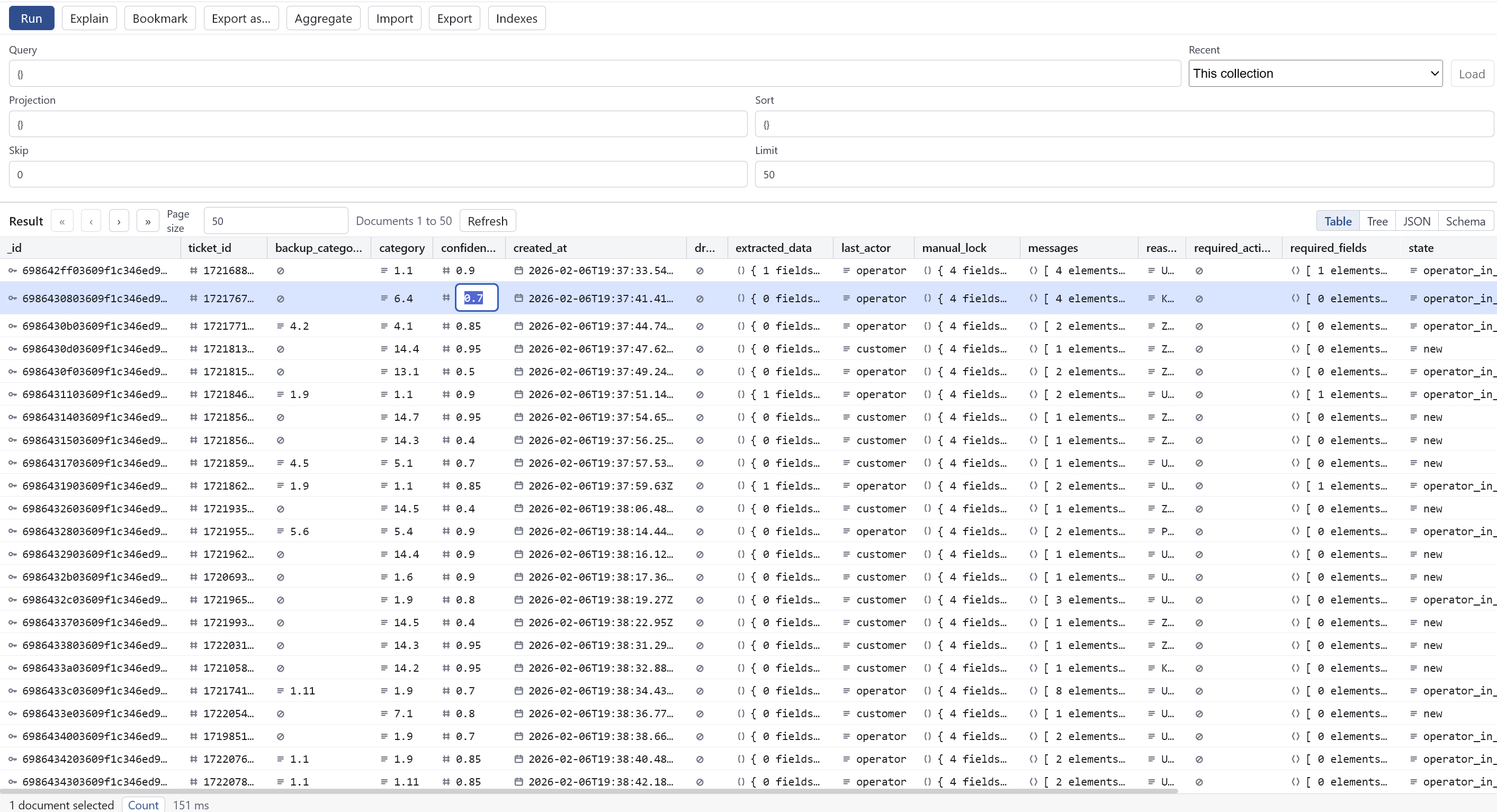
Visual Explain
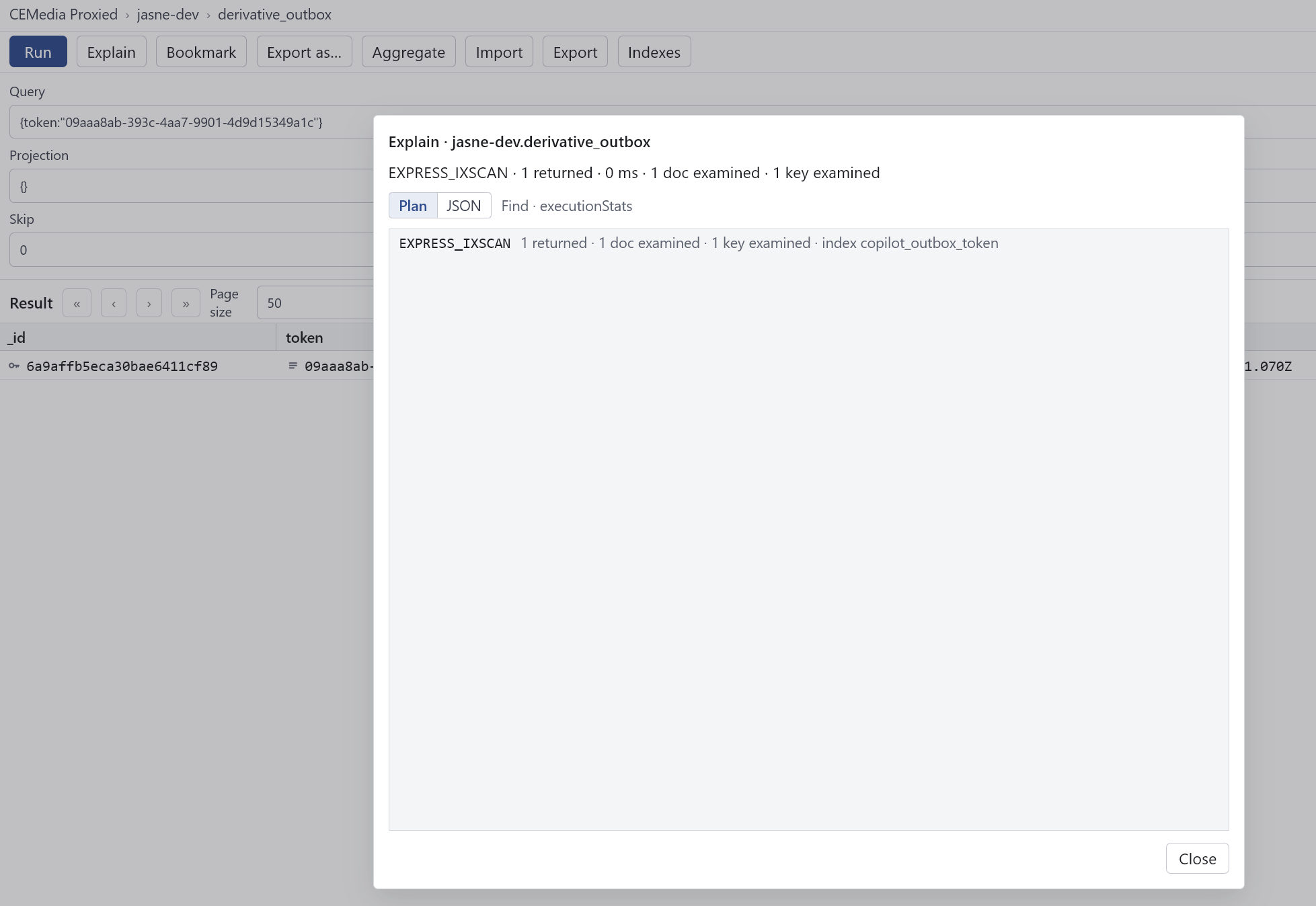
Schema tab

Export to language
Download
Latest releases — Windows, macOS, and Linux.
If macOS blocks it, run:
xattr -rd com.apple.quarantine /Applications/Mongrove.appSupport
Mongrove is free. If it saves you time, you can support further development:
No features are unlocked — this is voluntary support for the developer.
Public alpha
Use at your own risk. Do not point it at production data you cannot afford to lose.
Feedback is especially useful on:
- how the Aggregate Builder feels compared to what you use now
- UI density (too sparse? too cramped?)
- anything that blocks daily use
GitHub Discussions · GitHub Issues
About
Donationware. The core stays free forever. Donations are voluntary support for continued development.
Stack: Tauri 2 + Svelte 5 + MongoDB Rust driver. Credentials stored in the OS keychain. SOCKS5 proxy supported.